How to Create a Shareable Countdown for Your Next Big Event
A countdown to a wedding, a product launch, or a holiday is more useful when the people you're counting down with can see the exact same number — not a copy someone else set up separately that might be a few seconds or a whole time zone off. Cronometro's countdown is built to be shared directly rather than recreated by everyone who wants to see it.
Building the countdown
Give it a title and pick a target date and time — for a recurring occasion like a birthday or anniversary, check "Repeat every year" and it'll automatically roll forward to the next occurrence once the current one passes, instead of freezing at zero. You can also start from one of the built-in country holiday lists, or a quick preset like "end of year" or "next weekend," if you don't need a fully custom date.
Sharing the exact same countdown
Every countdown has a shareable link that encodes the title and target date directly in the URL — anyone who opens it sees the identical countdown, counting down to the identical moment, with no account or setup needed on their end. This is different from telling someone "count down to March 3rd at 6 PM" and trusting they set it up the same way; the link removes any room for it to drift.
Running more than one at a time
You're not limited to a single countdown — add as many as you're tracking, and the soonest one is shown large as the main display while the rest sit in a compact list underneath. Useful if you're tracking a launch date alongside a few smaller internal deadlines and want the most urgent one to stay visually prominent without losing track of the others.
Getting notified when it arrives
Turn on notifications to be alerted the moment a countdown hits zero even if the tab isn't focused, and optionally enable "Sound on arrival" in Settings for an audible chime alongside the on-screen celebration — useful for a launch you want to know about the instant it happens, not whenever you next check the tab.
Turning it into something you can post
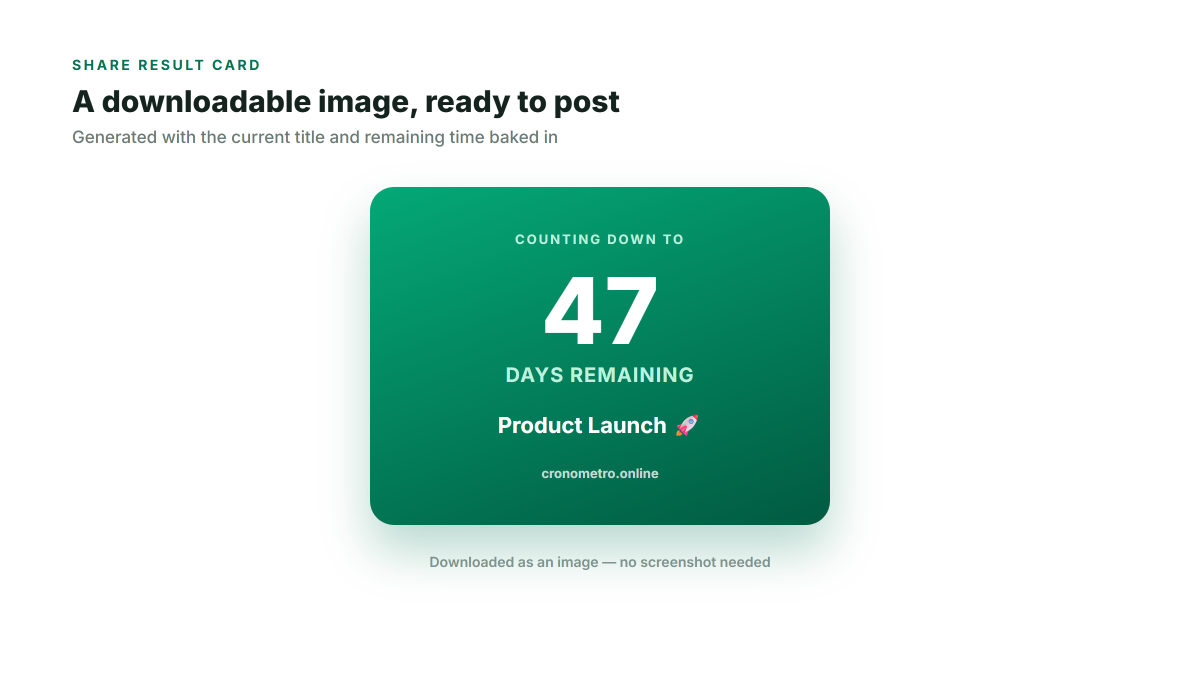
The Share Result Card button generates a downloadable image with the countdown's title and remaining time baked in — a quick way to post "47 days until launch" on social media or send it in a group chat without a screenshot, and it updates the moment you generate a new one so it's never showing stale numbers.