This online world clock shows your local time and compares it with cities worldwide in real time — in the browser, no install or account. Built for remote work, travel planning, and international calls. Need elapsed time instead? Use the online stopwatch.
Favorites & Meeting Planner
Pin cities, drag to reorder, then use the built-in Meeting Planner slider to line up everyone’s local time for calls across zones.
Saved in this browser
Your city list stays in a cookie for up to 10 years — no sign-up, nothing uploaded. See the Privacy Policy.
How to use it
1Search and add cities.
Type a city name, open it from results, and add it to your favorites list.
2Compare times.
Reorder clocks by drag-and-drop, then drag the Meeting Planner slider to find an overlapping hour.
3Open city details.
Click a city for analog/digital clocks, sunrise/sunset, weather, map, and more.
An online world clock is a web-based tool that shows the current time in multiple cities and time zones around the world in real time.
An online world clock works by calculating local times based on global time zones and daylight saving rules, then displaying the correct current time for each city instantly.
Yes, you can save your favorite cities in an online world clock so you can quickly access their current time whenever you visit the page again.
Yes, an online world clock works directly in your browser and does not require registration, login, or software installation.
Yes. Click any city to open a detailed view with its time zone, sunrise and sunset times, coordinates, currency, and current weather with air quality.
Yes. Use the built-in Meeting Planner to drag a time slider and instantly see the corresponding local time in each of your favorite cities — ideal for scheduling calls and meetings across time zones.
Yes. Drag any city card by its handle to reorder the list, or use the card's menu to move it to the top, move it up or down one place, or remove it — your order is saved automatically.
Yes. The Settings panel lets you switch every city card between 12-hour and 24-hour format and toggle seconds on or off, applied consistently across your whole list.
Yes. Turn on Compact mode in Settings to shrink each city card, fitting more time zones on screen at once — useful if you track a long list of favorites.
Yes. Quick look in Settings offers ten color skins that tint the dark cinema stage.
 Andorra la Vella, Andorra
 Abu Dhabi, United Arab Emirates
 Kabul, Afghanistan
 Saint John's, Antigua and Barbuda
 Tirana, Albania
 Yerevan, Armenia
 Luanda, Angola
 Buenos Aires, Argentina
 Vienna, Austria
 Canberra, Australia
 Baku, Azerbaijan
 Sarajevo, Bosnia and Herzegovina
 Bridgetown, Barbados
 Dhaka, Bangladesh
 Brussels, Belgium
 Ouagadougou, Burkina Faso
 Sofia, Bulgaria
 Manama, Bahrain
 Gitega, Burundi
 Porto-Novo, Benin
 Bandar Seri Begawan, Brunei
 Sucre, Bolivia
 Brasília, Brazil
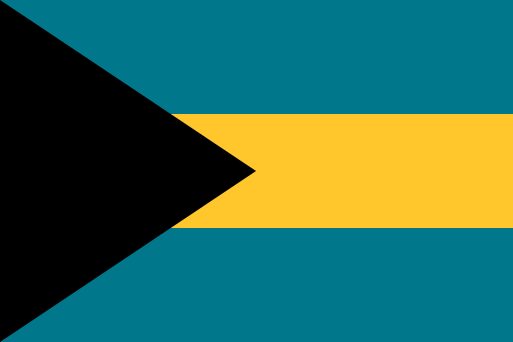 Nassau, Bahamas
 Thimphu, Bhutan
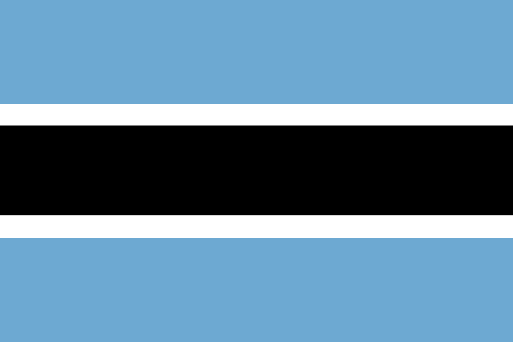 Gaborone, Botswana
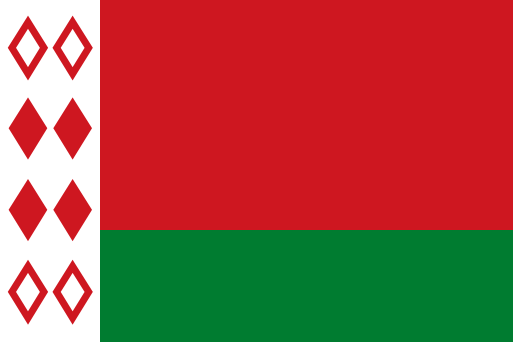 Minsk, Belarus
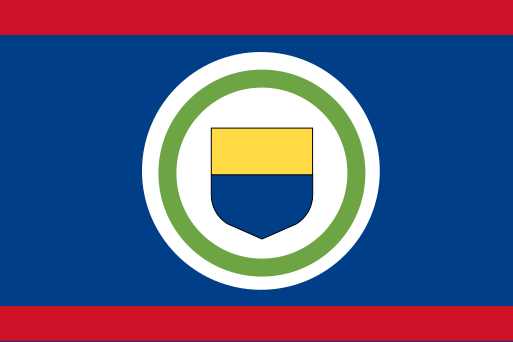 Belmopan, Belize
 Ottawa, Canada
 Kinshasa, Democratic Republic of the Congo
 Bangui, Central African Republic
 Brazzaville, Republic of the Congo
 Bern, Switzerland
 Yamoussoukro, Ivory Coast
 Santiago, Chile
 Yaoundé, Cameroon
 Beijing, China
 Bogotá, Colombia
 San José, Costa Rica
 Havana, Cuba
 Praia, Cape Verde
 Nicosia, Cyprus
 Prague, Czechia
 Berlin, Germany
 Djibouti, Djibouti
 Copenhagen, Denmark
 Roseau, Dominica
 Santo Domingo, Dominican Republic
 Algiers, Algeria
 Quito, Ecuador
 Tallinn, Estonia
 Cairo, Egypt
 Asmara, Eritrea
 Madrid, Spain
 Addis Ababa, Ethiopia
 Helsinki, Finland
 Suva, Fiji
 Palikir, Micronesia
 Paris, France
 Libreville, Gabon
 London, United Kingdom
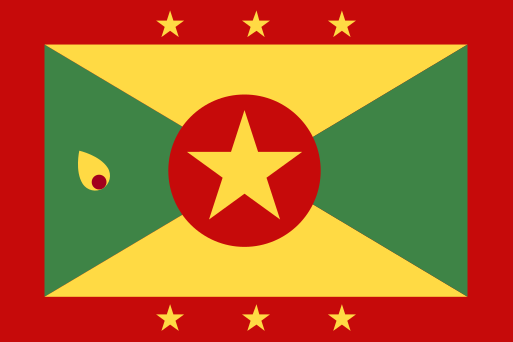 St. George's, Grenada
 Tbilisi, Georgia
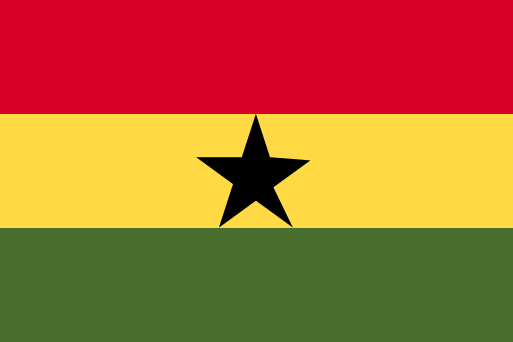 Accra, Ghana
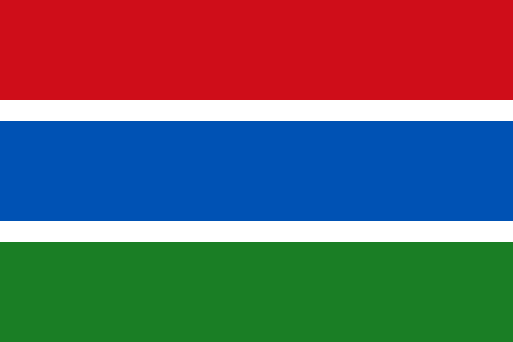 Banjul, Gambia
 Conakry, Guinea
 Malabo, Equatorial Guinea
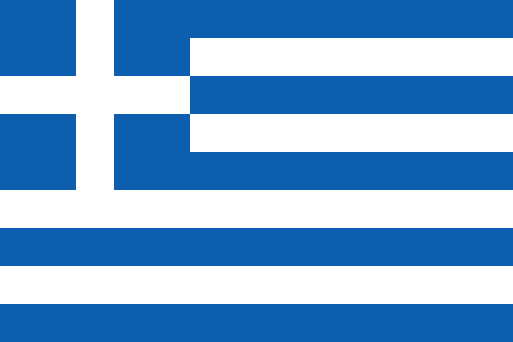 Athens, Greece
 Guatemala City, Guatemala
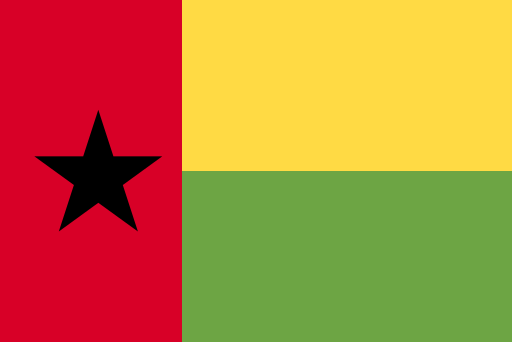 Bissau, Guinea-Bissau
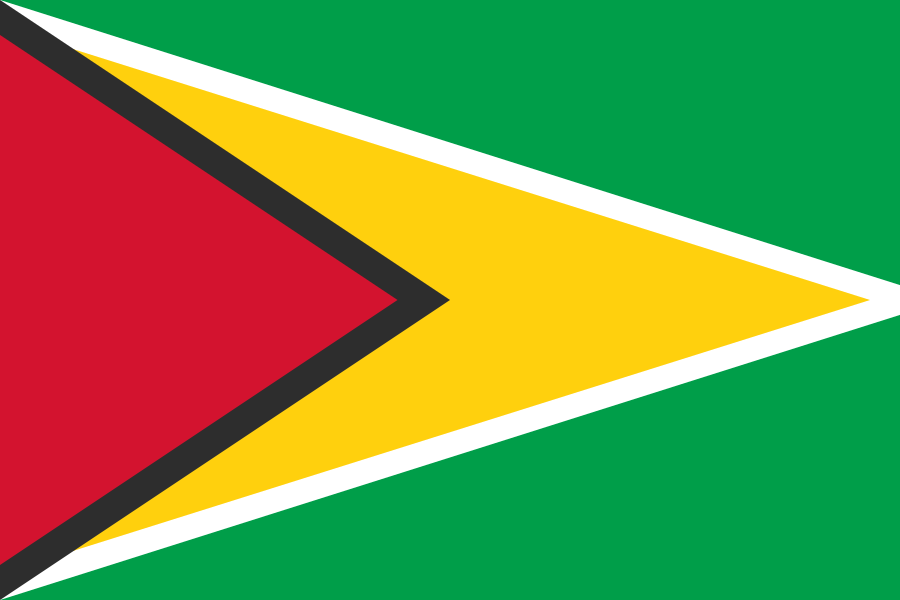 Georgetown, Guyana
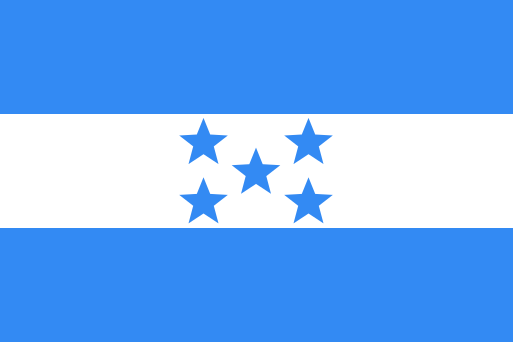 Tegucigalpa, Honduras
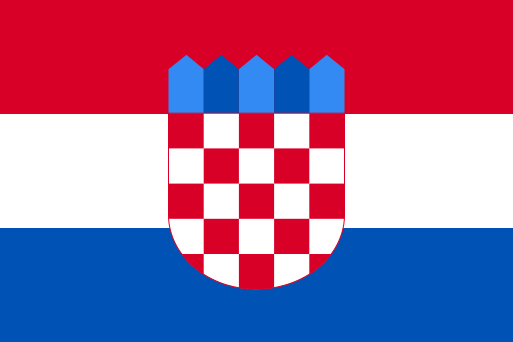 Zagreb, Croatia
 Port-au-Prince, Haiti
 Budapest, Hungary
 Jakarta, Indonesia
 Dublin, Ireland
 Jerusalem, Israel
 New Delhi, India
 Baghdad, Iraq
 Tehran, Iran
 Reykjavik, Iceland
 Rome, Italy
 Kingston, Jamaica
 Amman, Jordan
 Tokyo, Japan
 Nairobi, Kenya
 Bishkek, Kyrgyzstan
 Phnom Penh, Cambodia
 South Tarawa, Kiribati
 Moroni, Comoros
 Basseterre, Saint Kitts and Nevis
 Pyongyang, North Korea
 Seoul, South Korea
 Kuwait City, Kuwait
 Nur-Sultan, Kazakhstan
 Vientiane, Laos
 Beirut, Lebanon
 Castries, Saint Lucia
 Vaduz, Liechtenstein
 Sri Jayawardenepura Kotte, Sri Lanka
 Monrovia, Liberia
 Maseru, Lesotho
 Vilnius, Lithuania
 Luxembourg, Luxembourg
 Riga, Latvia
 Tripoli, Libya
 Rabat, Morocco
 Monaco, Monaco
 Chișinău, Moldova
 Podgorica, Montenegro
 Antananarivo, Madagascar
 Majuro, Marshall Islands
 Skopje, North Macedonia
 Bamako, Mali
 Naypyidaw, Myanmar
 Ulaanbaatar, Mongolia
 Nouakchott, Mauritania
 Valletta, Malta
 Port Louis, Mauritius
 Malé, Maldives
 Lilongwe, Malawi
 Mexico City, Mexico
 Kuala Lumpur, Malaysia
 Maputo, Mozambique
 Windhoek, Namibia
 Niamey, Niger
 Abuja, Nigeria
 Managua, Nicaragua
 Amsterdam, Netherlands
 Oslo, Norway
 Kathmandu, Nepal
 Yaren, Nauru
 Wellington, New Zealand
 Muscat, Oman
 Panama City, Panama
 Lima, Peru
 Port Moresby, Papua New Guinea
 Manila, Philippines
 Islamabad, Pakistan
 Warsaw, Poland
 Lisbon, Portugal
 Ngerulmud, Palau
 Asunción, Paraguay
 Doha, Qatar
 Bucharest, Romania
 Belgrade, Serbia
 Moscow, Russia
 Kigali, Rwanda
 Riyadh, Saudi Arabia
 Honiara, Solomon Islands
 Victoria, Seychelles
 Khartoum, Sudan
 Stockholm, Sweden
 Singapore, Singapore
 Ljubljana, Slovenia
 Bratislava, Slovakia
 Freetown, Sierra Leone
 San Marino, San Marino
 Dakar, Senegal
 Mogadishu, Somalia
 Paramaribo, Suriname
 Juba, South Sudan
 São Tomé, Sao Tome and Principe
 San Salvador, El Salvador
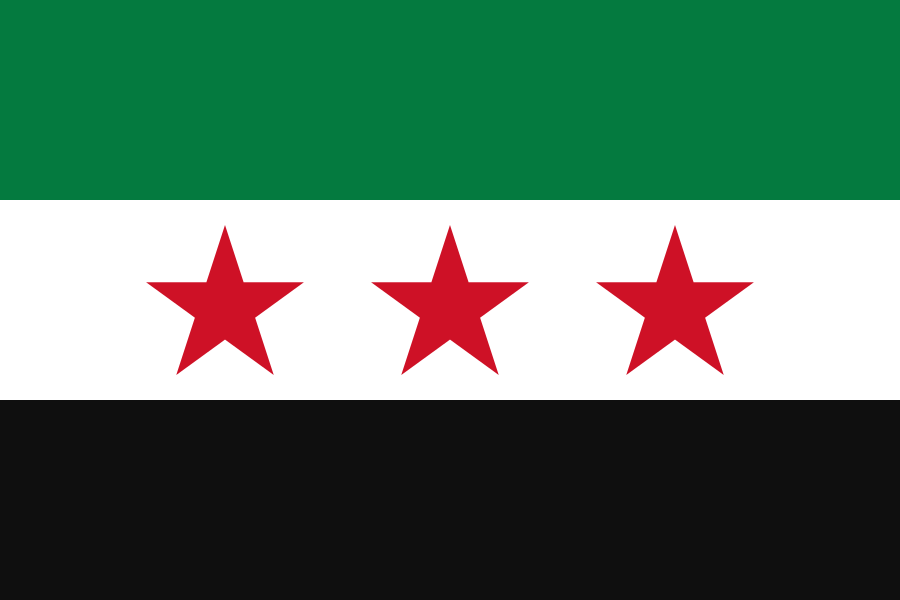 Damascus, Syria
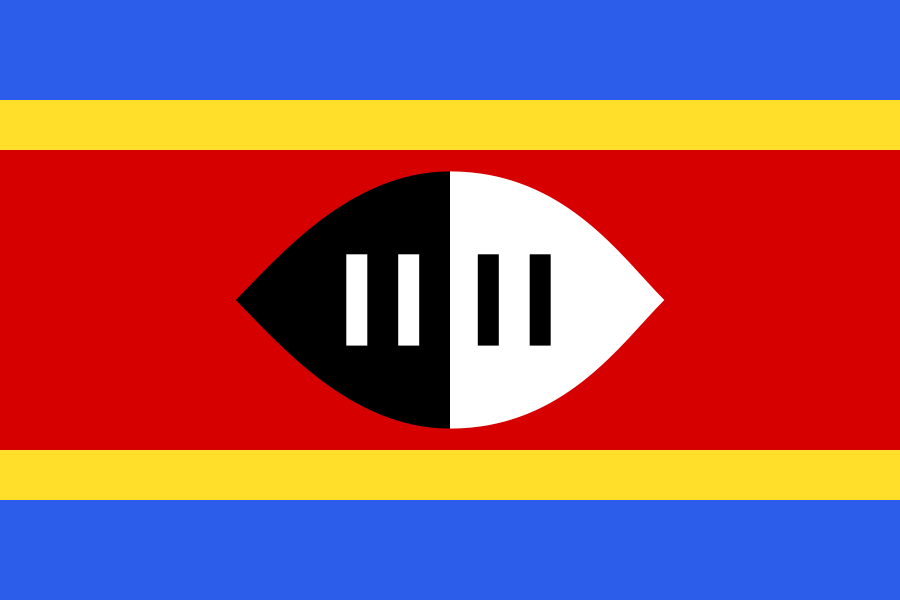 Mbabane, Eswatini
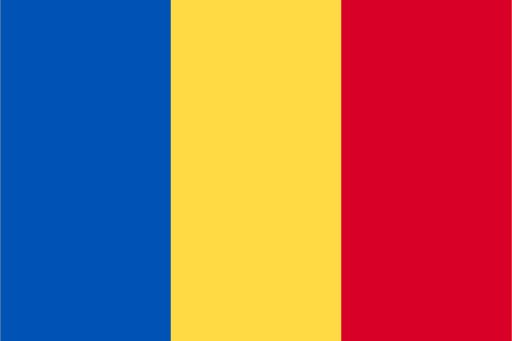 N'Djamena, Chad
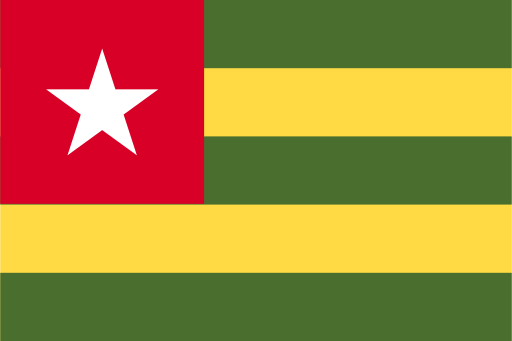 Lomé, Togo
 Bangkok, Thailand
 Dushanbe, Tajikistan
 Dili, Timor-Leste
 Ashgabat, Turkmenistan
 Tunis, Tunisia
 Nukuʻalofa, Tonga
 Ankara, Turkey
 Port of Spain, Trinidad and Tobago
 Funafuti, Tuvalu
 Dodoma, Tanzania
 Kyiv, Ukraine
 Kampala, Uganda
 Washington, D.C., United States
 Montevideo, Uruguay
 Tashkent, Uzbekistan
 Vatican City, Vatican City
 Kingstown, Saint Vincent and the Grenadines
 Caracas, Venezuela
 Hanoi, Vietnam
 Port Vila, Vanuatu
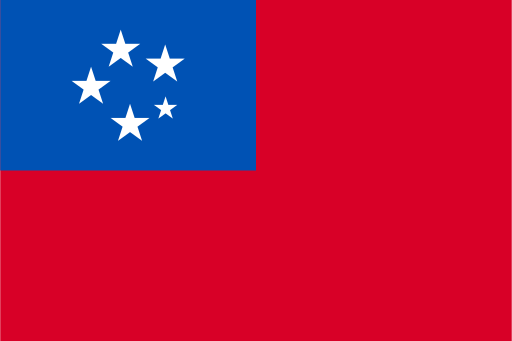 Apia, Samoa
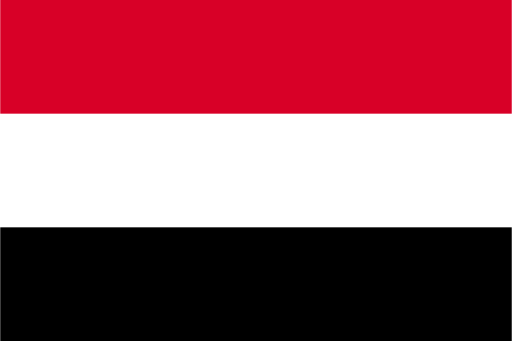 Sana'a, Yemen
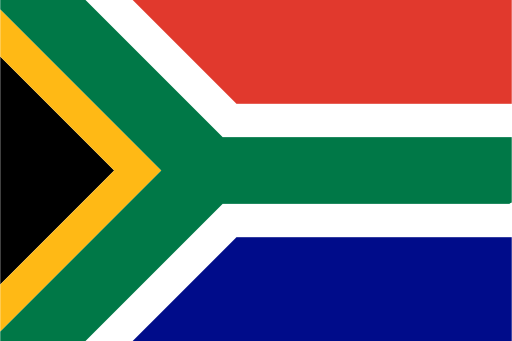 Pretoria, South Africa
 Lusaka, Zambia
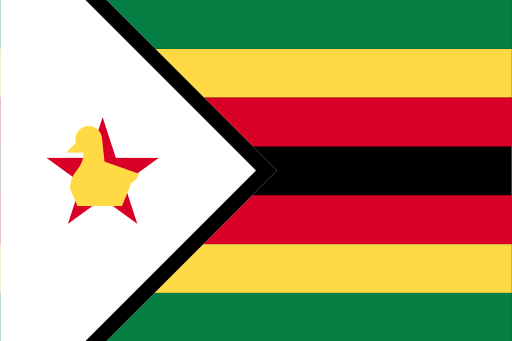 Harare, Zimbabwe