Alarm Clock Sounds: Choosing the Right Wake-Up Tone
Not every alarm sound is equally good at its job. A tone that's easy to sleep through defeats the purpose, and one that's genuinely startling can leave you rattled before you've even gotten out of bed. It's worth spending thirty seconds picking deliberately rather than leaving whatever loaded by default.
What actually makes a wake-up sound work
Effective alarm tones tend to share a few traits:
- A rising pitch or volume rather than a flat drone, which the ear tunes out faster
- A pattern distinct enough from ambient noise to register as "this needs attention"
- For a repeating daily alarm, something you won't grow to resent after the fiftieth morning
A sound that's pleasant at low volume and only becomes urgent if you don't respond (see fade-in volume, below) tends to outperform one that's jarring from the first second.
Previewing before you commit
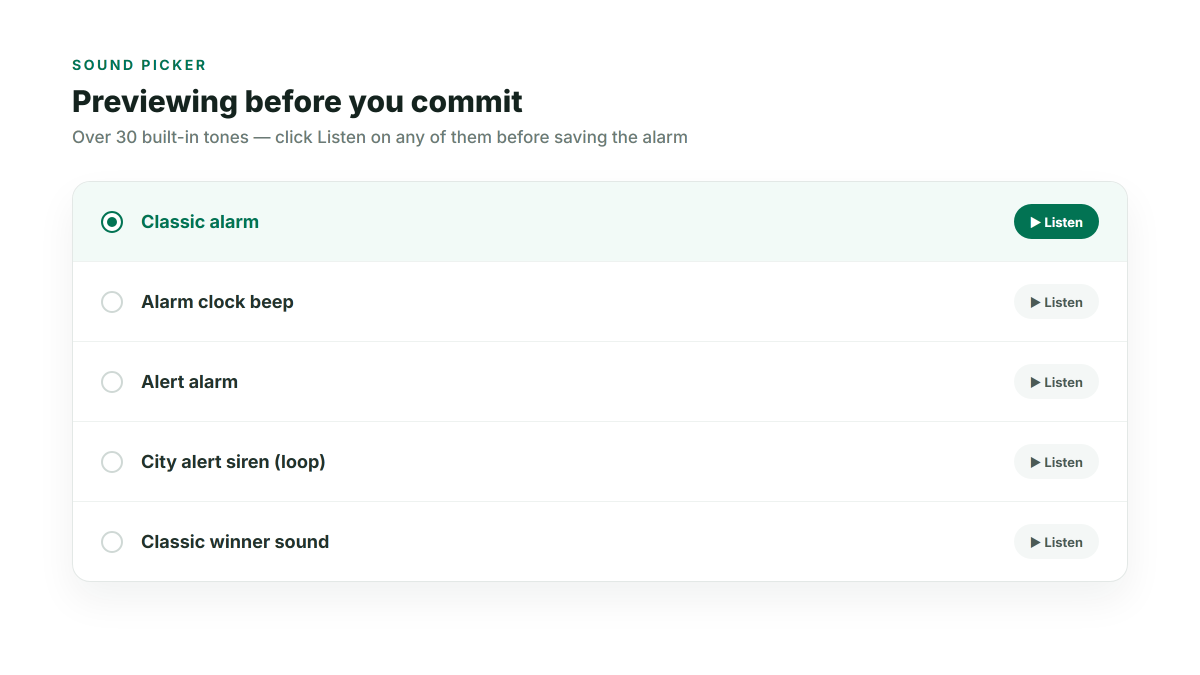
The alarm clock's sound picker has over 30 built-in tones, and every one of them can be previewed with a single click before you save the alarm — no need to set a test alarm and wait for it to fire just to hear what you picked. Click Listen, and click it again to stop the preview early if it's clearly not the one.
Different sounds for different alarms
Since each alarm has its own independent sound setting, there's no reason a wake-up alarm and, say, a "leave for the airport" alarm need to sound the same. Giving them distinct tones means you know which one is going off without opening your eyes and reading the screen — useful when you have more than one alarm active on the same day.
Controlling how long it plays
Ring duration is configurable separately from the sound itself:
- A short, fixed number of seconds — works well if you tend to wake immediately and just want the sound to stop on its own if you're briefly out of the room
- Ring until dismissed — the safer default if you tend to sleep through short sounds
Softening the first few seconds
If even your preferred tone feels too abrupt right at wake-up, turning on fade-in volume in Settings ramps any alarm sound from quiet to full volume over about 12 seconds instead of starting at full blast — worth combining with whichever tone you land on.